How To Use Petroleum Office Addin Functions From VBA
The easiest way is to use Application.Run(...). The first argument should be the function name (unadorned by any library names), followed by the arguments to the add-in function. The Application.Run() method will convert Excel COM data types (such as Ranges, variants and arrays) to the appropriate data types before calling the add-in function. It will also convert the result into a COM Variant type.
Example:
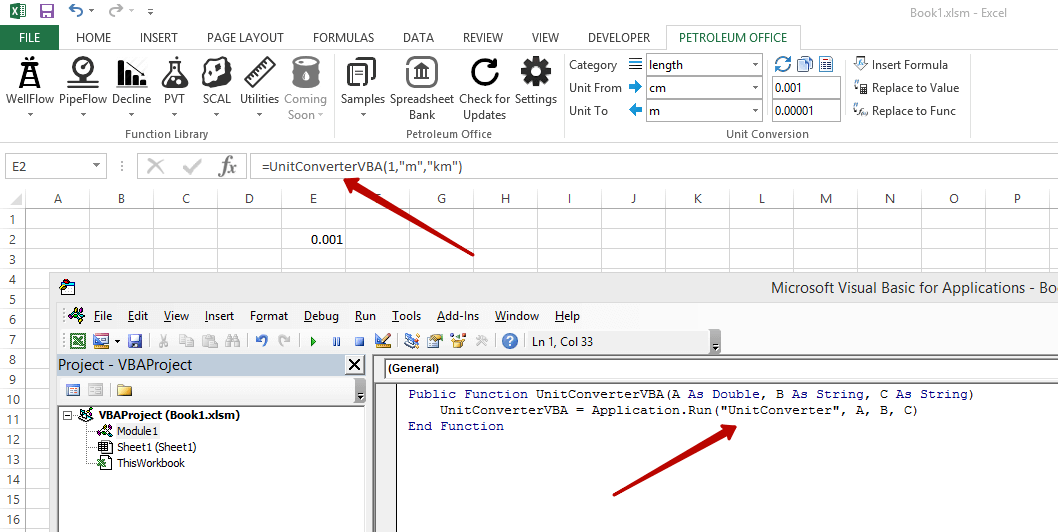
Public Function UnitConverterVBA(A As Double, B As String, C As String)
    UnitConverterVBA = Application.Run("UnitConverter", A, B, C)
End Function
Here I wrapped the addin function UnitConverter() with VBA version UnitConverterVBA(), and it works.